JavaScript Operators: The Basics You Need to Know
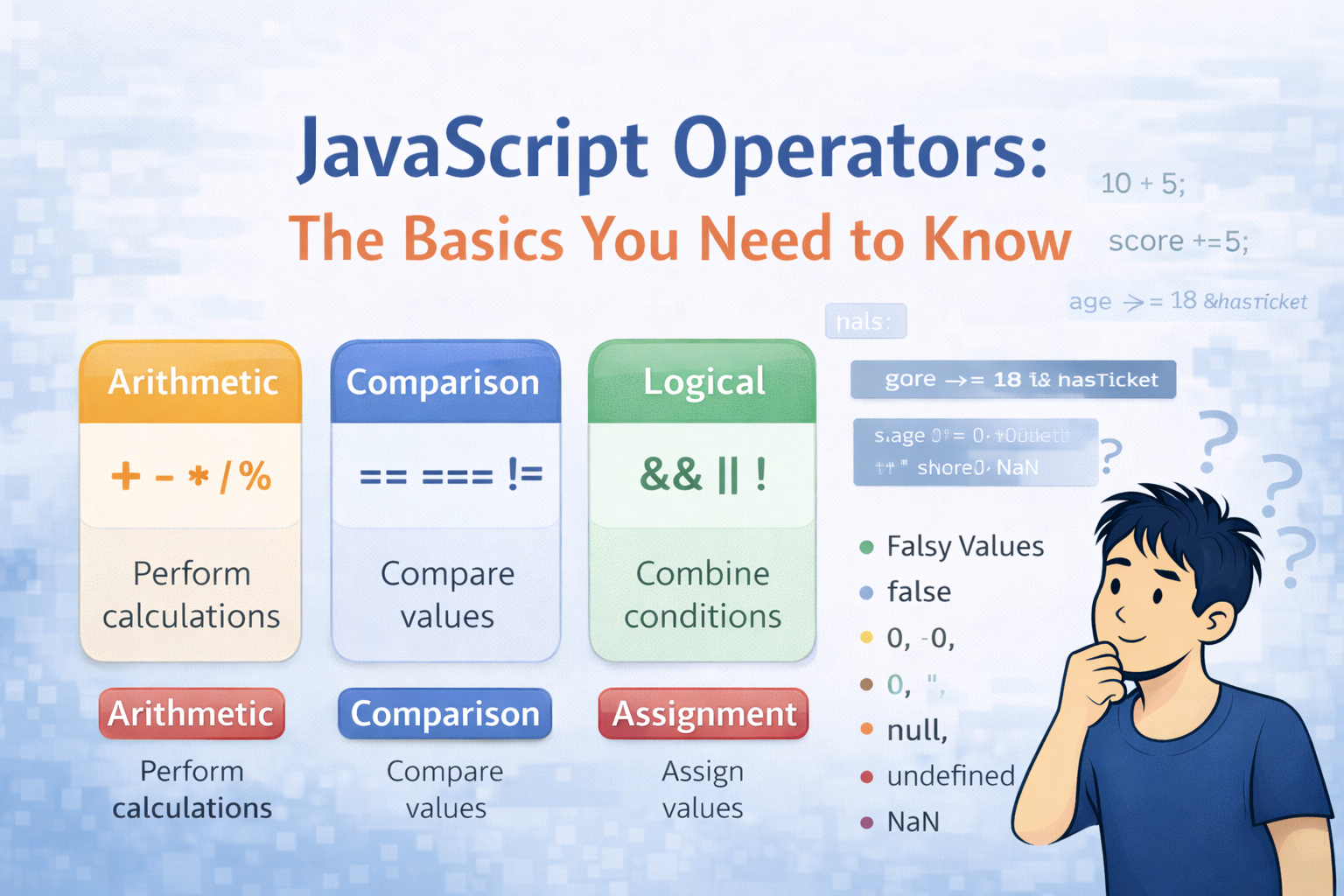
When we start learning Javascript, one of the first things we encounter is operators. Operators are used everywhere in programming right from doing simple things like calculations to making decisions in our code.
For example:
let total = 10 + 5;
Here, The symbol + is an operator. It tells Javascript to add two values together.
In this blog, we will explore the most commonly used Javascript operators with simple examples we will use in our everyday programming.
What are Operators in JavaScript?
An operator is a symbol that performs an operation on one or more values.
These values are called as operands.
Example:
let result = 10 + 5;
Here:
10 is Operand
"+" is Operator
5 is Operand
15 is Result
Operators basically tell Javascript what action should be performed on the values.
Categories of Javascript Operators
Javascript has many operators:
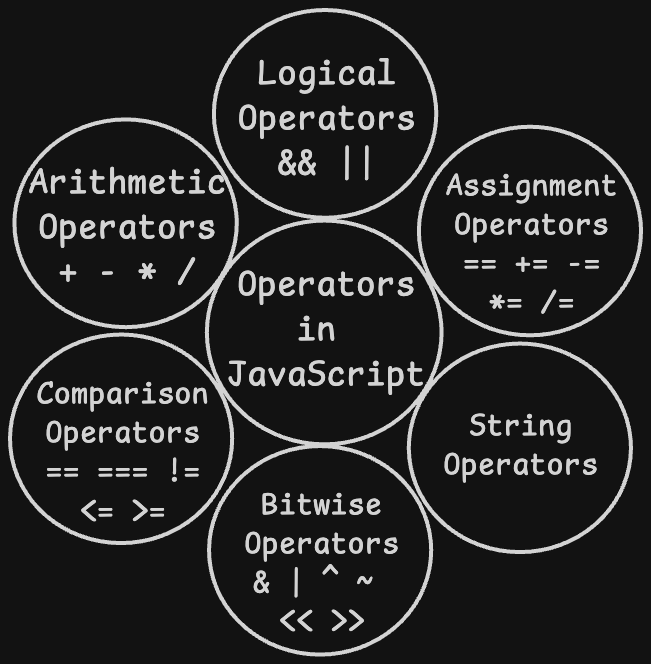
Mainly we use 4 of them:
| Category | Example Operator | Purpose |
|---|---|---|
| Arithmetic | + - * / % | Perform Math calculations |
| Comparison | == === != > < | Compare values |
| Logical | && | |
| Assignment | = += -= | Assign values to variables |
Lets explore each of them in detail...
Arithmetic Operators
Arithmetic operators are used to perform mathematical calculations.
| Operator | Meaning | Example |
|---|---|---|
| + | Addition | 10 + 5 |
| - | Subtraction | 10 - 5 |
| * | Multiplication | 10 * 5 |
| / | Division | 10 / 5 |
| % | Modulus(remainder) | 10 % 3 |
Example:
let a = 10;
let b = 3;

console.log(a + b); // 13
console.log(a - b); // 7
console.log(a * b); // 30
console.log(a / b); // 3.33
console.log(a % b); // 1
The modulus operator % returns the remainder after division.
Example:
console.log(10 % 2); // 0
console.log(11 % 2); // 1
This is commonly used to check even or odd numbers.
let number = 7;


if (number % 2 === 0) {
  console.log('Even');
} else {
  console.log('Odd');  // Output: Odd
}
Comparison Operators
Comparison operators compare 2 values and always return either true or false. They are the backbone of decision-making in Javascript.
| Operator | Meaning | Example | Result |
|---|---|---|---|
| == | Loose equality(compares value only) | 5 == '5' | true |
| === | Strict equality (compares value + type) | 5 === '5' | false |
| != | Not equal (loose) | 5 != 3 | true |
| > | Greater than | 8 > 5 | true |
| < | Less than | 3 < 7 | true |
| >= | Greater than or equal to | 5 >= 5 | true |
| <= | Less than or equal to | 4 <= 3 | false |
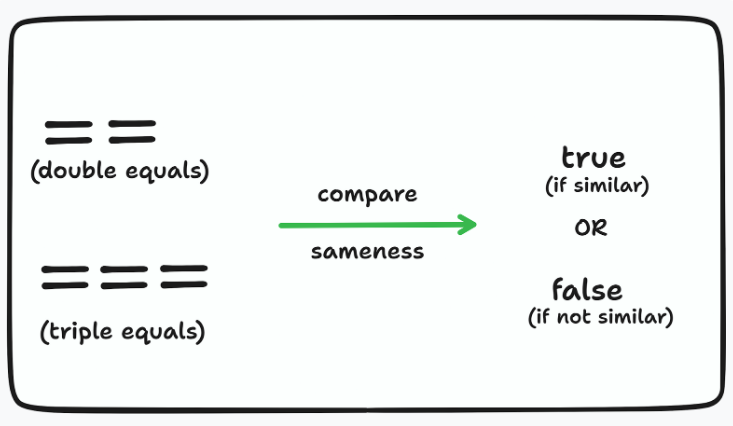
"==" vs "=== "
This is one of the most common mistakes we make:
// == (loose equality) — only checks VALUE, ignores TYPE
console.log(5 == '5');    // true  (number vs string — same value!)
console.log(0 == false);  // true  (both are 'falsy')
console.log('' == false); // true
// === (strict equality) — checks BOTH value AND type
console.log(5 === '5');   // false (number is not string)
console.log(0 === false); // false (number is not boolean)
console.log(5 === 5);     // true  (same value, same type)
Always use ===. It checks both the value AND the type, escaping unexpected bugs.
Logical Operators
Logical operators are used to combine multiple conditions. Imagine checking: "Is the user logged in AND is the user admin?" Thats where logical operators are used.
| Operator | Name | Meaning | Example | Result |
|---|---|---|---|---|
| && | AND | Both conditions must be true | true && false | false |
| OR | At least one must be true | |||
| ! | NOT | Flips true to false and vice versa | !true | false |
Truth Table for AND(&&)
Both the conditions must be true for the result to be true.
| A | B | A && B |
|---|---|---|
| true | true | true |
| true | false | false |
| false | true | false |
| false | false | false |
Truth Table for OR (||)
At Least one condition must be true for the result to be true.
| A | B | A || b | | --- | --- | --- | | true | true | true | | true | false | true | | false | true | true | | false | false | false |
Truth Table for NOT (!)
Flips the boolean value, true becomes false, and false becomes true.
| A | B |
|---|---|
| true | false |
| false | true |
Code Example
let isLoggedIn = true;
let isAdmin = false;


// AND — both must be true
console.log(isLoggedIn && isAdmin);  // false


// OR — at least one must be true
console.log(isLoggedIn || isAdmin);  // true


// NOT — flips the value
console.log(!isLoggedIn);            // false
console.log(!isAdmin);               // true
let age = 20;
let hasTicket = true;


// User must be 18+ AND have a ticket
if (age >= 18 && hasTicket) {
  console.log('Welcome to the concert!');  // Output: Welcome to the concert!
} else {
  console.log('Entry denied.');
}
Assignment Operators
Assignment operators assign values to variables. The basic one is =, but there are some shorthand versions that combine assignment with arithmetic.
| Operator | Meaning | Example | Equivalent To |
|---|---|---|---|
| = | Assign | x = 5 | x = 5 |
| += | Add and Assign | x += 3 | x = x + 3 |
| -= | Subtract and Assign | x -= 2 | x = x - 2 |
| *= | Multiply and Assign | x *= 4 | x = x * 4 |
| /= | Divide and Assign | x /= 2 | x = x / 2 |
| %= | Modulus and Assign | x %= 3 | x = x % 3 |
Example:
let score = 10;


score += 5;   // score is now 15  (10 + 5)
score -= 3;   // score is now 12  (15 - 3)
score *= 2;   // score is now 24  (12 * 2)
score /= 4;   // score is now 6   (24 / 4)
score %= 4;   // score is now 2   (6 % 4)


console.log(score);  // 2
Truthy and Falsy values in JavaScript
This is very confusing topic in Javascript, but once we get it, it makes our life much easier:
What does Truthy & Falsy mean?
In Javascript, when we use a value inside an if statement, it automatically gets converted to either true or false. Values that behave like true are called truthy, and the values that behave like false are called falsy.
There are in all 8 Falsy Values in JavaScript
JavaScript has exactly 8 falsy values. Everything esle is truthy, even empty arrays and empty objects.
| No. | Falsy Value | What it Represents |
|---|---|---|
| 1. | false | The boolean false |
| 2. | 0 | The number zero |
| 3. | -0 | Negative zero |
| 4. | 0n | BigInt zero |
| 5. | " " or ' ' | Empty String |
| 6. | null | Intentional Absence of value |
| 7. | undefined | Variable declared but not assigned a value |
| 8. | NaN | Not a Number, result of invalid math (eg. 'abc' * 2) |
Examples of Falsy values
// All of these conditions are FALSE — the code inside does NOT run
if (false)      console.log('runs');  // ✗ does not run
if (0)          console.log('runs');  // ✗ does not run
if (-0)         console.log('runs');  // ✗ does not run
if ('')         console.log('runs');  // ✗ does not run
if (null)       console.log('runs');  // ✗ does not run
if (undefined)  console.log('runs');  // ✗ does not run
if (NaN)        console.log('runs');  // ✗ does not run


// These are TRUTHY — they DO run
if (1)          console.log('runs');  // ✅ runs
if ('hello')    console.log('runs');  // ✅ runs
if ([])         console.log('runs');  // ✅ runs — empty array is TRUTHY!
if ({})         console.log('runs');  // ✅ runs — empty object is TRUTHY!
All Operators
Category | Operators | What They Do |
Arithmetic | + - * / % | Perform math calculations |
Comparison | == === != > < >= <= | Compare values, return true or false |
Logical | && || ! | Combine or negate conditions |
Assignment | = += -= *= /= %= | Assign values to variables |
Conclusion
Now we have learned the foundation of Javascript operators. Here is a quick recap:
Arithmetic operators let you do math: + - * / %
Comparison operators compare values and return true/false: == === != > <
Logical operators combine conditions: && || !
Assignment operators assign and update variables: = += -= *=
Falsy values — exactly 8 of them: false, 0, -0, 0n, "", null, undefined, NaN
Everything else is truthy — including [], {}, and any non-empty string
Operators appear in every single Javascript program which we ever will write. The more we practice them the more natural they become.


