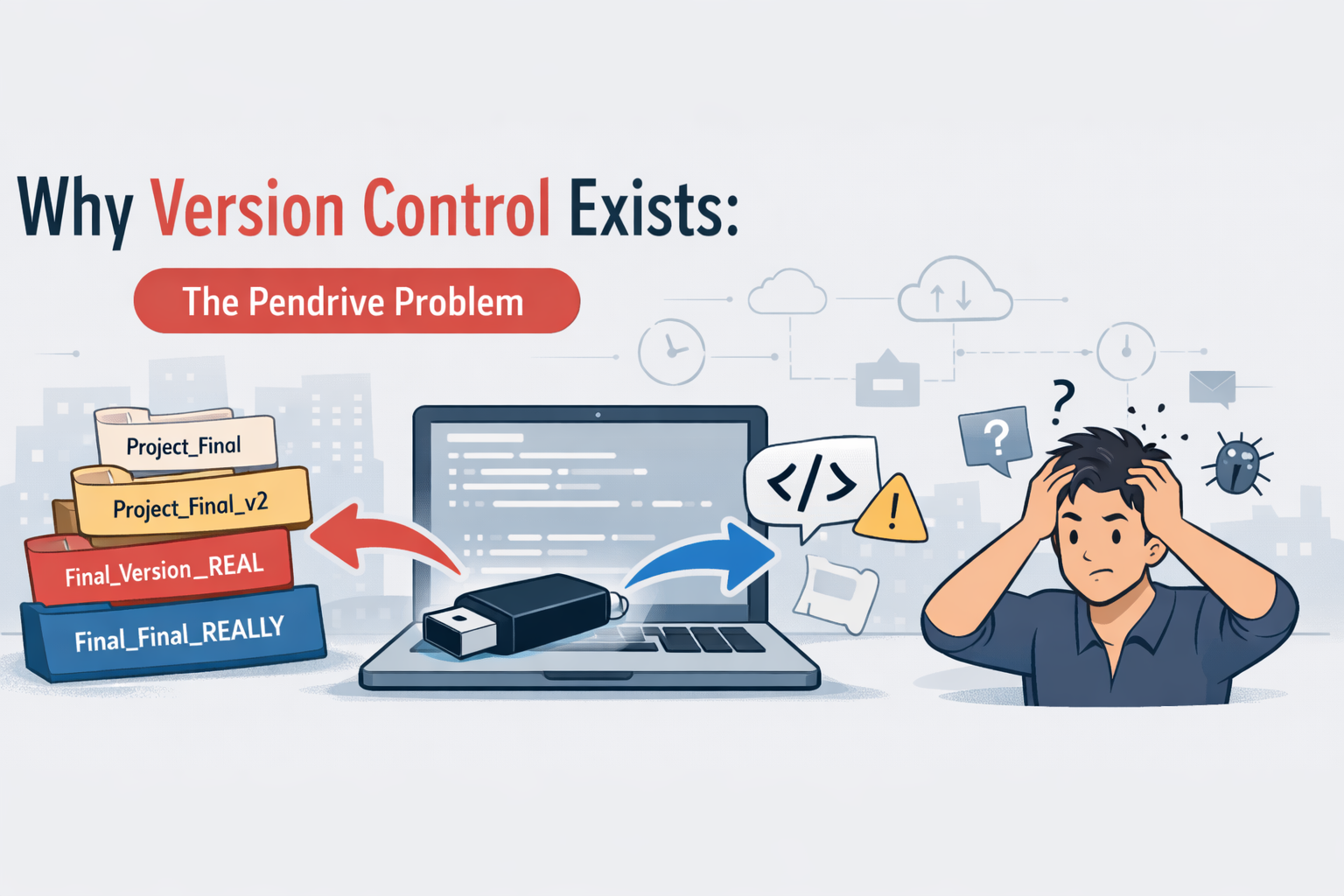
Why Version Control Exists: The Pendrive Problem
A long time ago, when I had no idea about what exactly version control is and why it is used, that’s when one of my seniors introduced me to version control. And from then onwards, life has honestly become much easier.
At that time, I did not fully understand why everyone made such big deal about git, commits, branches, or repositories. It felt lie unnecessary complexity. After all, we were already writing code, saving files, and sharing them with teammates. What more was needed?
Turns out a lot more when i actually got to know…
This blog is all about why version control exists, explained through a problem most developers(especially students and beginners) have faces at least once: the pendrive problem.
Life Before Version Control: The Pendrive Era
Before version control systems became common or before i actually got to know about them, sharing code was very difficult.
The usual workflow looked something like this:
Write a code on the laptop
Copy the project folder into a pendrive
Personally meet the friend or teammate and hand it over to him
They make changes
The pendrive comes back
Then I copy their version back to my system and hope nothing breaks
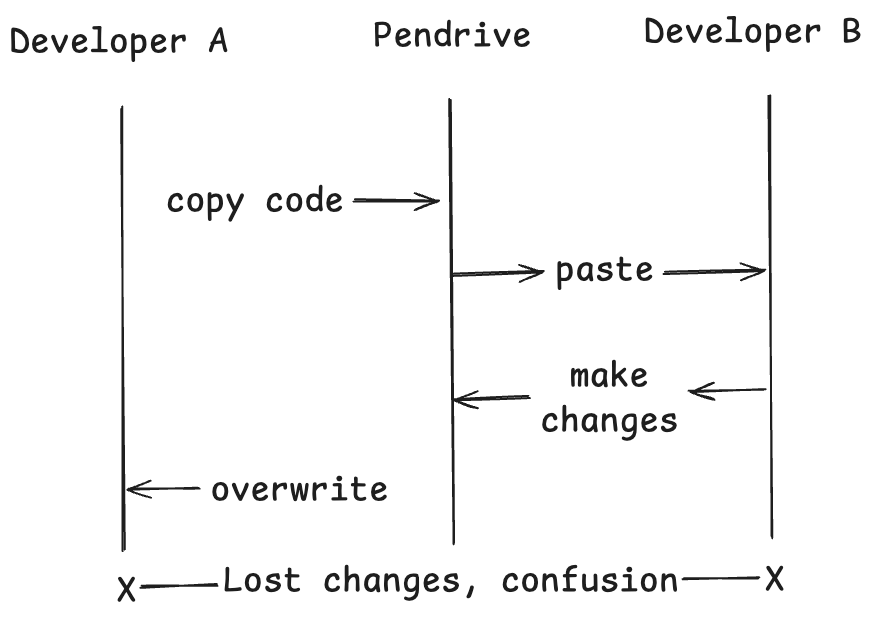
Sometimes pendrives were replaces by:
Email attachments
Google Drive Folders
WhataApp ZIP files
But the core problem stayed the same.
The Legendary Folder Names
I personally used to name my project folders in this way prior and yes it my sound funny but now it all just makes sense why git was introduced the legendary folder names like:
project_finalproject_final_V2project_final_latestproject_final_latest_realproject_final_latest_really_this_one
Each folder existed because no one trusted the previous one anymore.
Every new change meant creating a new copy, because what if something breaks? What if we need the old version back? There was no way to track changes safely.
The Biggest Problems with the Pendrive Workflow
Let me break down the real issues we faced.
Overwriting Each Other’s Code
Imagine this scenario:
I work on login.js
My teammate works on login.js too
We both use the same base code
Whoever copies last… wins
The other person’s changes are simply gone.
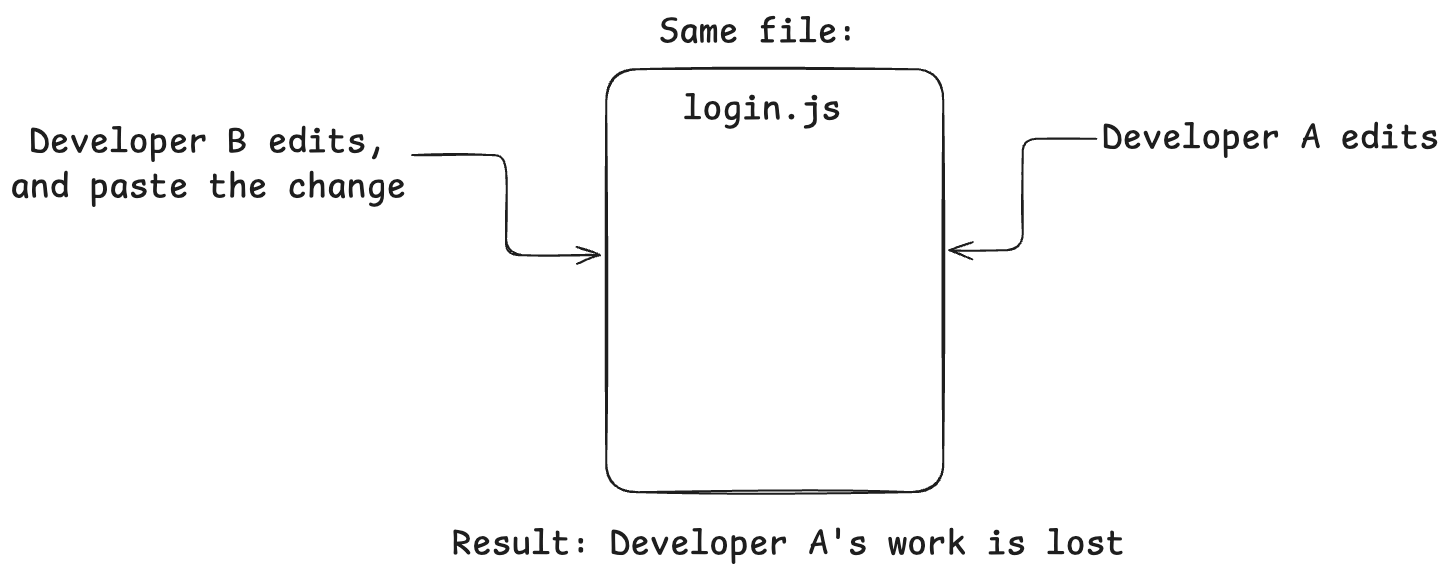
No warning. No history. No undo
“It was working Yesterday” Situation
One of the most frustrating moments:
“Bro, Yesterday it was working for me. I swear.”
But:
Which file version?
What exact change caused the bug?
Who made that change?
There was no way to find out. Debugging became guesswork.
No History, No Accountability
If something broke, the questions started:
Who changed this file?
Why was this logic added?
When did this bug come in?
And the answer was almost always:
“I don’t remember.”
Because we had no record of changes.
Collaboration was painful
Working in a team meant:
Waiting for the pendrive
Asking people to not touch certain files
Manually merging code by copy-pasting
Parallel development was basically impossible.
Losing Code Forever
There were some situations were we lost the entire code base:
Pendrive corrupted?
Email attachment outdated?
Folder accidentally deleted?
That code, sometimes days of work was gone forever.
No backup. No recovery.
The Pendrive Analogy in Real-World Teams
Now this was just a small scale problem for me but it we scale it:
Not 2 developers, but 20.
Not one file, but thousands
Not one pendrive, but multiple features releasing every week
It becomes clear why this approach completely breaks down in real companies.
You cannot build modern software this way.
Enters Version Control Systems
This is where version control comes in.
When my senior introduced me to git, it felt like a switch flipped.
Suddenly, we had:
A single source of truth (repository)
A complete history of every change
The ability to go back in time
Safe parallel work using branches
Instead of pendrives, we had repositories.
Instead of overwriting, we had merging with history.
How Version Control Solves the Pendrive Problems
Centralized Code, Not Multiple copies
Everyone works on the same repository.
No more:
“Which folder is latest?”
“Which pendrive has the correct code?”
Every Change is Recorded
Each change comes with:
Who made it
When it was made
Why it was made(commit message)
This alone solves half the confusion we faced earlier.
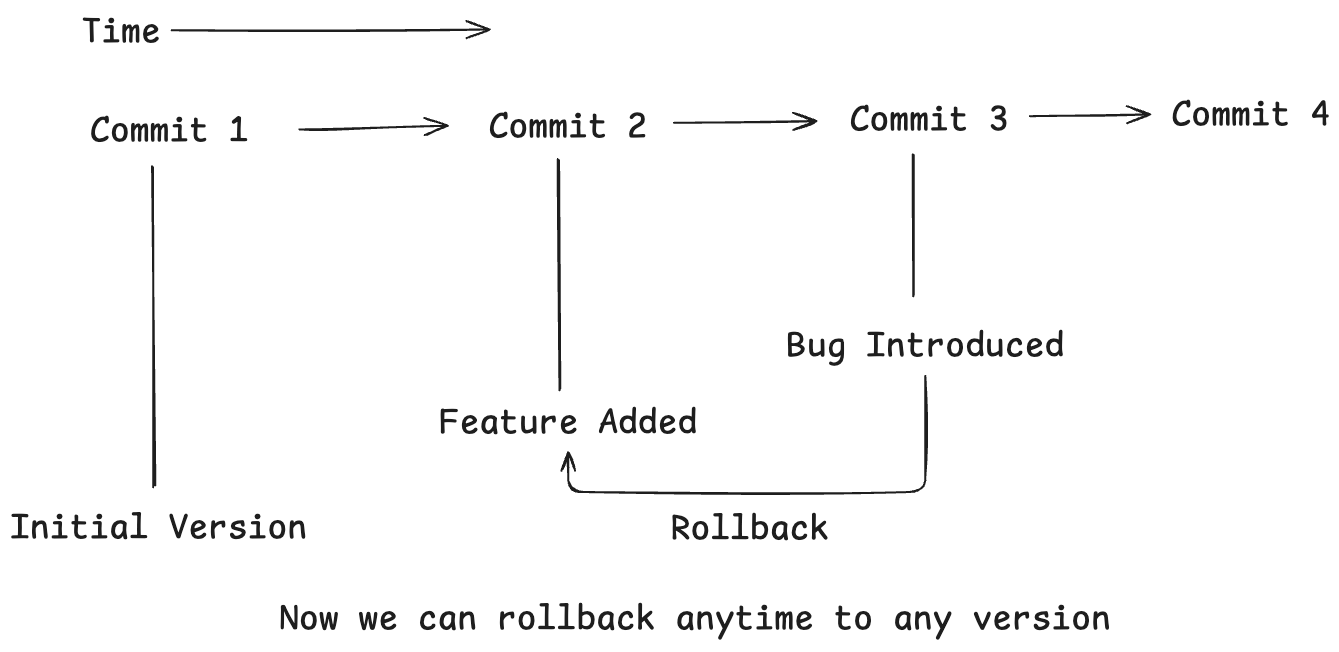
Easy Rollbacks
While coding a bug got introduced No problem:
Find the commit
Roll Back
Fix it
And push it again
Something impossible in pendrive era.
Safe Collaboration using branches
Multiple developers can:
Work on same file
At the same time
Without overwriting each other
git handles conflicts explicitly instead of silently destroying code.
Backup by Default
The code lives:
On your system
On remote servers(Github, GitLab, etc)
Even if my laptop dies, my work does not.
Final Conclusion
Looking Back, the pendrive workflow taught me why version control exists, even before I knew its name.
Version control is not just a tool.
It is:
A safety net
A collaboration system
A time machine for the code
Once you have experienced development with version control, there is no going back.
And Honestly, I’m glad my senior introduced me to it early, because I never want to deal with final_final_latest_real ever again…


